
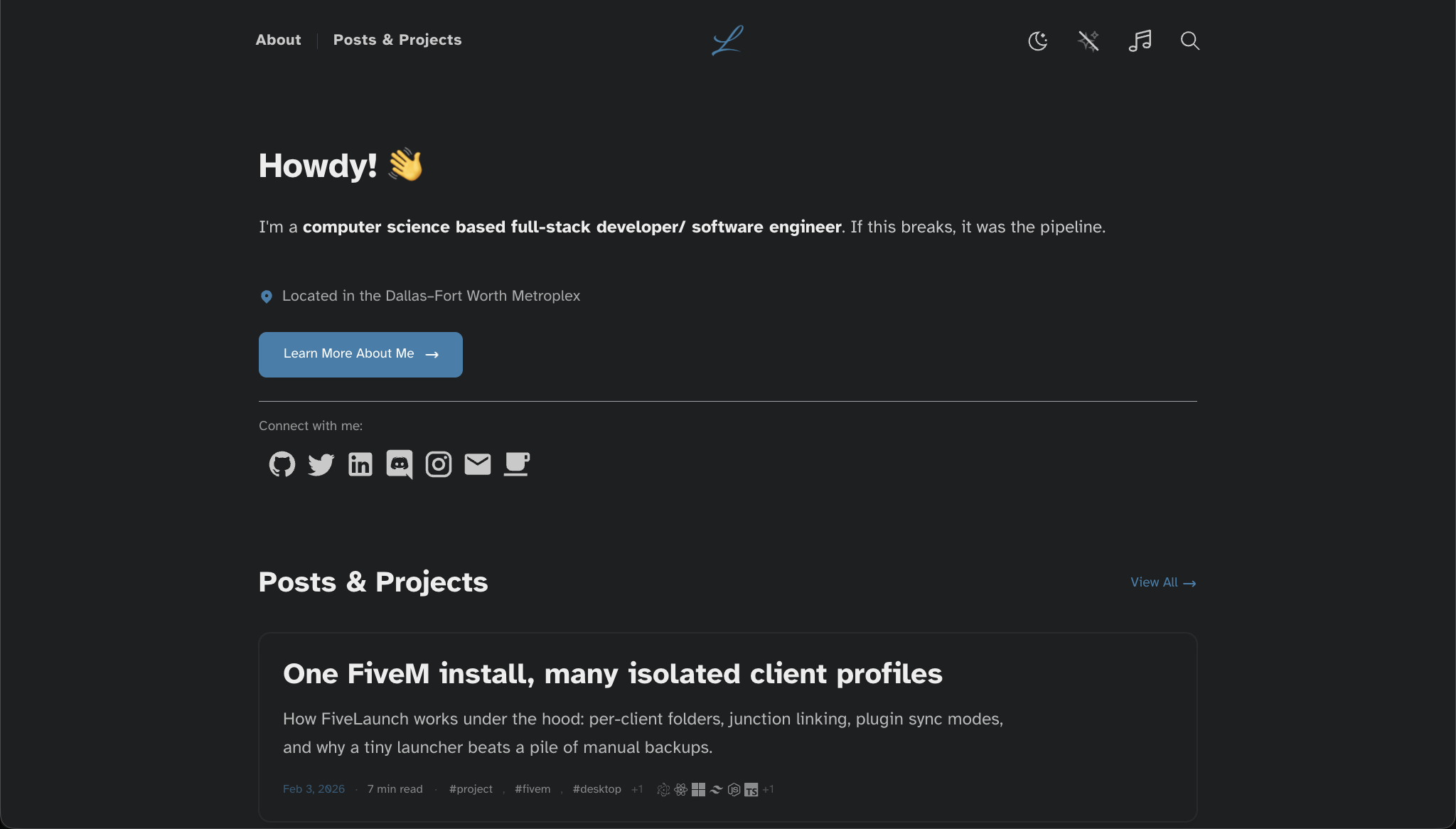
The blog post about this blog
Try it live (opens in a new tab)
/ 6 min read
Overview
This repo does two jobs at once:
- It powers my personal site (lawsonhart.me) day to day.
- It can be exported as a public blog template without leaking the “private site” bits. You can find the repo at github.com/lawsonhart/blog-template
Also: this whole thing started as an Astro template.
Early on it was basically “pick a solid base theme and ship,” so I used Astro + a theme foundation (Astro Cactus):
- Astro: https://astro.build/
- Astro Cactus: https://github.com/chrismwilliams/astro-theme-cactus
At this point it’s… not that anymore lol. The template bones are still there, but the site has drifted hard: new layouts, new components, server routes, search/indexing, optional/private integrations, and a bunch of little UX stuff that only exists because I’m building it for me first.
That second part is the whole point. I want to ship real features fast on my own site, but I also want the codebase to be cloneable without someone needing my tokens, my private APIs, or my “this only works for my hosting” services.
What this codebase is built for
I wanted a site that feels like a product, not a Markdown folder:
- a clean posts/projects system
- good typography + code blocks
- fast search that works on a static index
- server routes for the integrations I do want
- and a way to keep optional features optional
The end result: an Astro 5 site that’s template-safe by design.
The core (template-safe) features
These are the parts that survive the template export and should work for anyone cloning it.
1) Content Collections: posts + notes
Posts and notes are both Astro Content Collections.
Posts support:
tags(lowercased + de-duped)technologies(case-insensitive de-dupe)- optional cover images
- drafts (filtered only in production)
That technologies field is what powers the little tech icon row on post cards.
2) MDX + a Markdown pipeline that’s actually useful
I write posts in Markdown/MDX, but I still want structure:
:::notestyle directives (admonitions)- heading IDs + linked headings
- external links get
noopener/noreferrer - image handling that works with a public asset prefix
- code blocks that look good (Astro Expressive Code)
This is the “I want to write, not fight the renderer” part of the repo.
3) Search (Pagefind)
Search is powered by Pagefind:
- indexing runs after build (
pnpm build→scripts/pagefind.mjs) - search UI is intentionally disabled in dev (so the dev loop stays fast)
- results are styled like the rest of the site (not a bolted-on widget)
The big win: you get fast client-side search without a dedicated search backend.
4) OG images
Posts get server-generated OG images via a route that renders images with Satori + Resvg.
It’s one of those features you only notice when it’s missing… but it makes social sharing feel “real.”
5) Vercel deploy (with a local preview story)
This site builds as output: "server".
- production deploy is Vercel
- local “prod preview” uses the Node adapter (because
@astrojs/vercelintentionally doesn’t supportastro preview)
So pnpm preview behaves like you’d expect: build, then run a preview server locally.
What’s private (or intentionally excluded from the template)
The template export is opinionated: it removes the stuff that’s either:
- tied to my personal services
- token-driven (GitHub/analytics)
- or just too specific to be a good default
Mechanically, it’s handled by an exclude list and a snapshot exporter.
How the export works
template-excludes.txtlists paths that should not ship in the public snapshotscripts/export-template.cjscopies the repo to a new folder and filters those paths.env*files are always excluded as defense-in-depth
There’s also a sandbox runner so I can simulate “template mode” without moving files around.
Examples of excluded “site-only” features
Depending on what I’m doing on the site, the exclude list may include things like:
- Spotify widgets (status/history)
- GitHub-powered widgets and commit/changelog routes
- Umami analytics proxy + stats widgets
- holiday theme components
- the comment system UI/islands
- some project posts/content that’s not meant to be part of a generic starter
None of that is “secret sauce” in a mysterious way — it’s just not template-friendly by default.
A quick history of how it got here
Reading through the commit history, you can basically see the site evolve in phases:
Phase 1: make the site feel alive
This is where a lot of the UX work happened:
- search went through multiple iterations until it felt native
- post cards got smarter (reading time, TOC preview)
- the about page turned into a “real” profile instead of a single paragraph
Phase 2: integrations (and the reality of keeping them optional)
Integrations are fun until they break deploys.
Over time, the repo added things like:
- richer widgets (GitHub, analytics, Spotify)
- comments UI experiments (including mobile UX work)
- server routes to proxy or normalize data
And then the obvious problem shows up:
a template shouldn’t require my infra.
So the repo shifted toward soft imports + export filtering, which keeps the main site flexible and the template stable.
Phase 3: “template-safe” became a first-class constraint
The big turning point was adding:
- a non-destructive template sandbox (
pnpm template:dev,pnpm template:build) - a real exporter that produces a clean snapshot
- guardrails so missing optional files don’t break builds
That’s when this stopped being “my site repo” and became “my site repo + a template product.”
If you want to use this as a template
This is the path I expect people to take.
1) Clone and install
- install Node 20+
- install
pnpm - run
pnpm install
2) Update the site identity
Edit src/site.config.ts:
urltitleauthordescription
Then adjust navigation links and socials.
3) Add content
- posts:
src/content/post/** - notes:
src/content/note/**
Follow the post frontmatter shape (title/description/publishDate/tags/technologies).
4) CI workflow
pnpm check(Astro check)pnpm build(build + Pagefind indexing)pnpm preview(Node-adapter preview)
What might be missing (and how to get it)
If you’re using the exported template snapshot, some features will simply not be there and that’s by design.
If you want specific pieces (comments service UI, Spotify widgets, analytics dashboard bits, etc.), contact me and I can get something sorted to help you get what you need.
- Email: me@lawsonhart.me